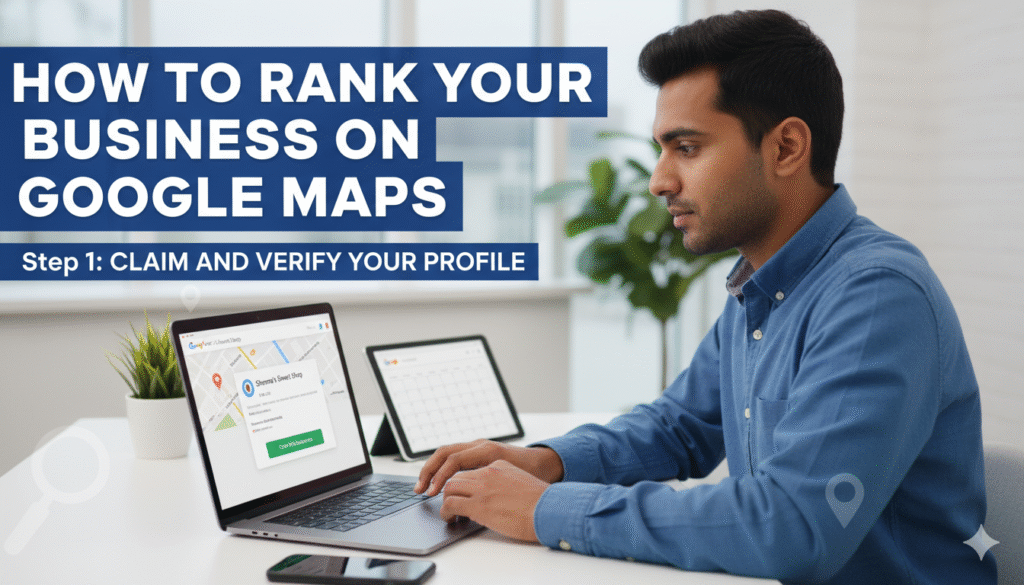
Google Maps ranking is one of the most powerful ways to get free organic leads every single day. Whether you run a salon, coaching center, restaurant, real estate business, or any local service — ranking in the Top 3 Map Pack can 2x–5x your enquiries.

✅ 1. Complete & Optimize Your GMB Profile
Google ranks profiles that are complete, accurate, and active.
Fill every field:
- Business Name
- Primary & Secondary Categories
- Address
- Service Area
- Phone Number
- Website
- Business Hours
- Business Description
- Products & Services
- Pictures & Videos
✔ Pro Tip
Use accurate keywords naturally in description like:
“Best salon in Delhi”, “Digital marketing agency in Mumbai”, etc.
✅ 2. Select the Right Category
One of the most important ranking factors.
Examples:
- Salon → “Beauty Salon”, “Hair Salon”, “Unisex Salon”
- Real Estate → “Real Estate Consultant”
- Coaching Center → “English Language School”
Choose 1 primary and 2–4 secondary categories.
✅ 3. Add High-Quality Photos & Videos
Google loves active profiles.
Upload:
- Logo
- Cover photo
- Interior photos
- Staff photos
- Services
- Before/After pictures
- Short 10–20 sec videos
Profiles with regular uploads get 2X more calls.
✅ 4. Get Consistent 5-Star Reviews
Reviews are a top ranking factor.
How to get more reviews:
- Ask customers after service
- Give a small offer for feedback
- Add a QR code at your shop
- Use WhatsApp follow-up
Important:
Make reviews keyword rich.
Example:
“Best hair salon in Saket — great service!”
“Highly recommended digital marketing agency in Pune.”
This boosts ranking massively.
✅ 5. Post Regularly on GMB
Google Posts = Google activity = Higher ranking.
Post:
- Offers
- Before/after
- Tips
- Service promotions
- Customer testimonials
Minimum: 3–5 posts per week
✅ 6. Add All Services + Prices
Many businesses skip this — but it helps you rank for more keywords.
Example:
Salon → Haircut, Facial, Keratin, Waxing, Hair Color etc.
Institute → Spoken English, Personality Development, IELTS Coaching.
Each service becomes a keyword trigger.
✅ 7. Maintain NAP Consistency
NAP = Name, Address, Phone Number
Your GMB should match:
- Website
- Directories
- Google Ads
- Brochures
If NAP differs, ranking drops.
✅ 8. Build Local Citations
Citations = your business listed on other trusted websites.
Submit on:
- Justdial
- Sulekha
- IndiaMart
- Yellow Pages
- Yelp
- Mappls
- Bing Places
More citations = stronger authority.
✅ 9. Create a Local SEO Optimized Website
Google maps ranking becomes easier if you have a website connected.
Optimize for:
- “Salon near me”
- “Best English speaking institute in Delhi”
- “Digital marketing agency in Noida”
Add your GMB map embed on your homepage.
✅ 10. Increase Engagement Signals
Google ranks businesses that get more user interactions.
Encourage:
- Calls
- Messages
- Direction clicks
- Photo views
- Website visits
More engagement = Higher rank.
✅ 11. Run Google Local Ads (Optional Boost)
Even a small ₹100–300/day ad can give:
- More calls
- More reviews
- More engagement
- Faster ranking
This is the fastest way to push your GMB.
How Long Does GMB Ranking Take?
Usually 2–6 weeks depending on:
- Competition
- Reviews
- Activity
- Distance from user
The more active and optimized your profile, the faster you rank.
Conclusion
To rank your business on Google Maps:
✔ Optimize profile
✔ Add photos weekly
✔ Collect reviews
✔ Post regularly
✔ Build citations
✔ Maintain NAP consistency
✔ Improve engagement
✔ Add local SEO website
Follow these steps consistently — and your business can easily appear in the Top 3 Google Map Pack.